
SpoTUI

# SpoTUI
[](https://skensmaster.github.io/SpoTUI-Docs/)
SpoTUI is a terminal-inspired theme for Spotify that overlays a custom, keyboard-driven interface directly inside the Spotify client. It is built for [Spicetify](https://spicetify.app/).
## How It Works
SpoTUI is a self-contained Spicetify theme that uses:
- **`theme.js`**: A vanilla JavaScript component that creates and manages the entire TUI, including panels, commands, and Spotify API interactions.
- **`user.css`**: CSS overrides to hide the default Spotify UI and style the SpoTUI interface.
- **`color.ini`**: Standard Spicetify color definitions.
## Features
- **Terminal Interface**: A command-driven overlay with a familiar feel.
- **Multiple Panels**:
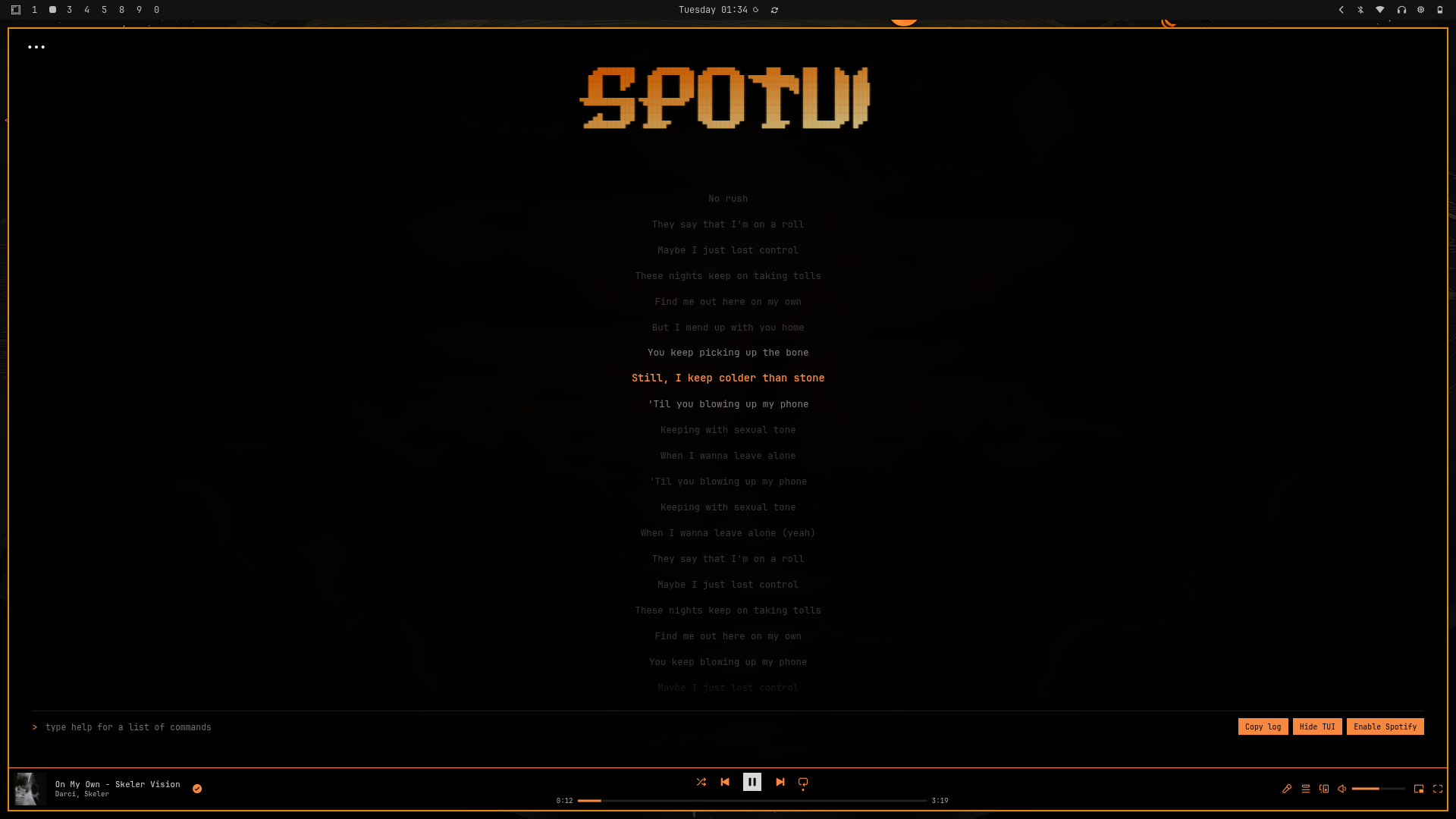
- **Lyrics**: Synced, auto-scrolling lyrics view.
- **Playlists**: A two-pane view to browse playlists and their tracks.
- **Help**: A quick reference for all available commands.
- **Keyboard Navigation**: Control everything without touching the mouse.
- **Built-in Commands**: Manage playback, volume, playlists, and more.
- **Spotify Native Fallback**: Seamlessly switch back to the standard Spotify UI when needed.
## Screenshots
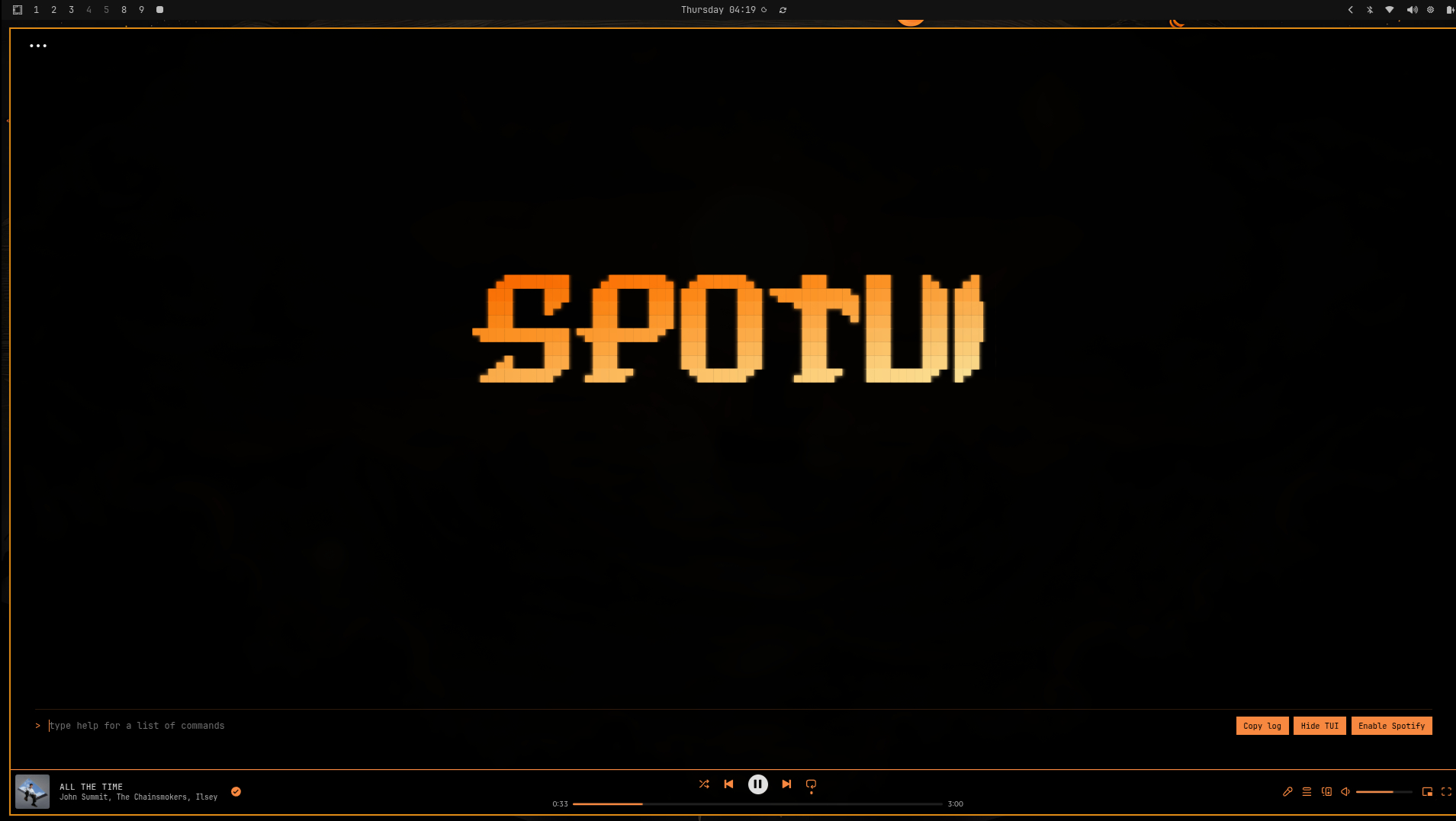
### Lyrics View
## Installation
Linux
1. Open a terminal.
2. Run the installer:
```bash
curl -fsSL -o install.sh https://raw.githubusercontent.com/SkenSMasteR/SpoTUI/refs/heads/master/scripts/install/linux/install.sh && chmod +x install.sh && ./install.sh
```
3. Select "Install" from the menu.
Windows
1. Open PowerShell.
2. Run the installer:
```powershell
iwr -useb https://raw.githubusercontent.com/SkenSMasteR/SpoTUI/refs/heads/master/scripts/install/windows/install.ps1 | iex
```
3. Select "Install" from the menu.
Marketplace
1. In Spotify, go to the Spicetify Marketplace.
2. Select "Themes" and search for `SpoTUI`.
3. Install the theme.
## Usage
Type `help` in the SpoTUI command bar to see a list of available commands.
| Command | Description |
| -----------------------| -------------------------------|
| `tui -l ` | Toggle ASCII logo visibility |
| `tui -l -a ` | Toggle ASCII animation |
| `tui -wp [-o ]` | Set wallpaper (opacity 0-1) |
| `tui -t pull ` | Apply a theme by its ID (you can find the id on our website) |
| `tui -wp off` | Remove wallpaper |
| `tui -ly -cp -active <#hex> -inactive <#hex> -near <#hex>` | Set lyrics colors |
| `tui -ly -cp off` | Reset lyrics colors |
| `tui -bar -bg <#hex> -border <#hex> -text <#hex>` | Set player bar colors |
| `tui -bar off` | Reset player bar colors |
| `tui -progress -bg <#hex> -fg <#hex>` | Set progress bar colors |
| `tui -progress off` | Reset progress bar colors |
| `tui -inputs -bg <#hex> -bg-hover <#hex> -text <#hex> -border <#hex>` | Set input colors |
| `tui -inputs off` | Reset input colors |
| `playlist` / `list` | Open playlist viewer |
| `play` / `pause` / `p` | Toggle playback |
| `skip` | Next track |
| `s` / `seek ` | Jump to a specific time |
| `v` / `volume <%>` | Set volume (0-100) |
| `shuffle` | Toggle shuffle |
| `loop` / `superloop` | Toggle repeat mode |
| `lyrics` | Toggle lyrics panel |
| `search` | Open Spotify's native search |
| `theme` | Browse and apply themes |
| `help` | Show the help panel |
## Contributing
You can add your own theme to the theme browser by visiting [spotui.root.sx](https://spotui.root.sx/).
**Note**: You can only submit one theme every 24 hours.
## Notable forks of my project
SouRyan
SouRyan - https://github.com/SouRyan/SpoTUI-By-SouRyan
## Author
SkenS - https://github.com/SkenSMasteR